.png)
-
Launch a Test Cycle
-
Click the "Execute" button to open the Test Case Run dialog
-
Click the "Link" link
-
Select an existing bug, then click the "Link" button from the "Link Issue" dialog box
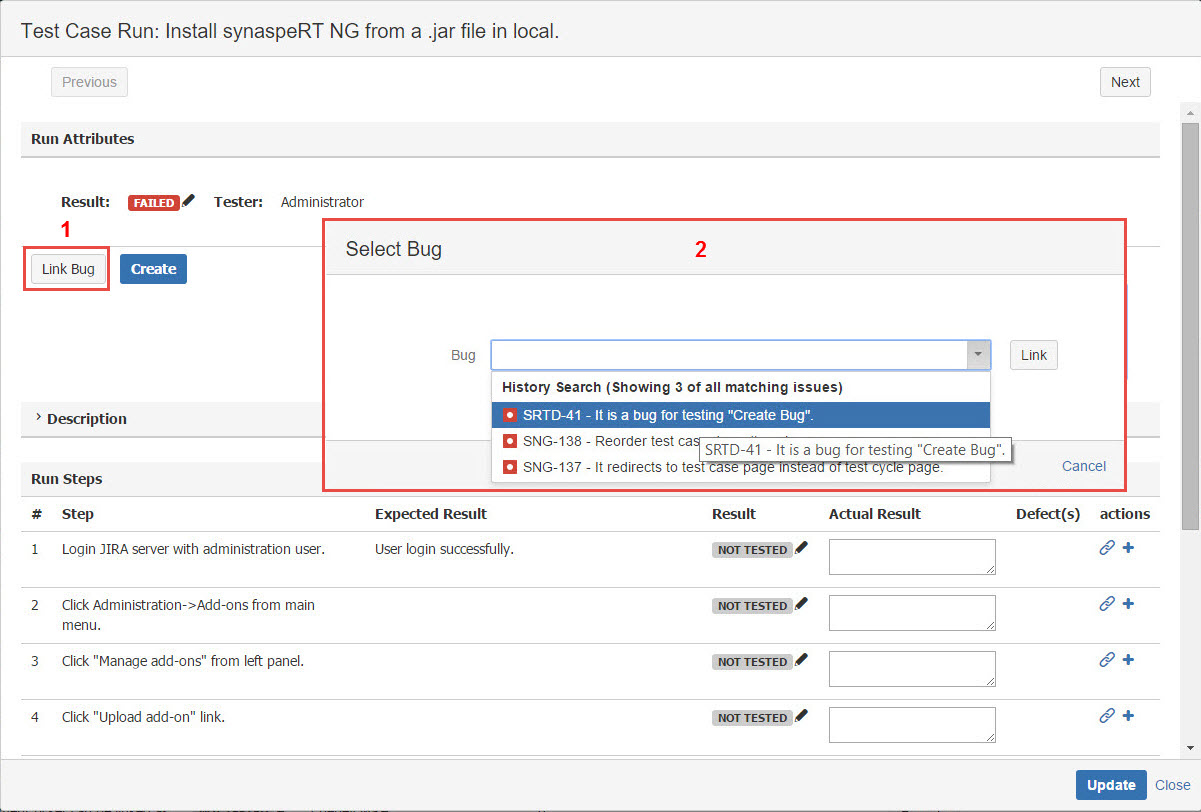
[Screenshot - UG0057_Test_Cycle_Test_Run_Result_Link]