.png)
This report shows the passed percentage of the Test Cases related to Requirements.
-
Open a JIRA project
-
Click "SynapseRT Report" from the left navigation panel
-
From the list, find "Requirement Coverage Report"
-
Click "Requirement Coverage Report"
-
Specify from the filter options below:
- Select a value from "Strategy" dropdown
- JQL (Optional) -
Click "Generate Report"
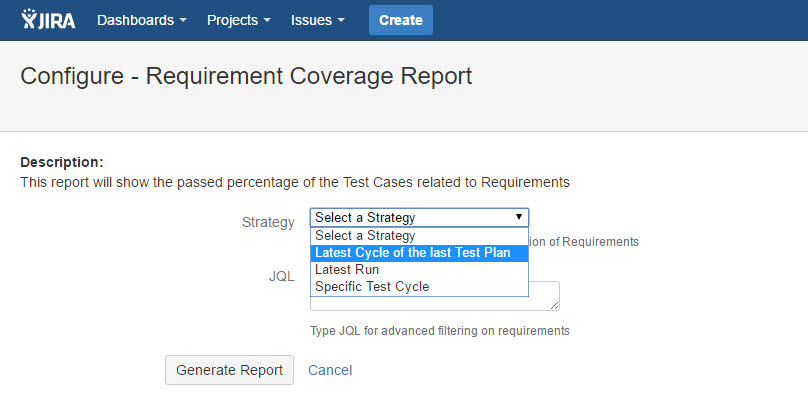
[Screenshot - UG0066_Requirement Coverage Report_Configuration]
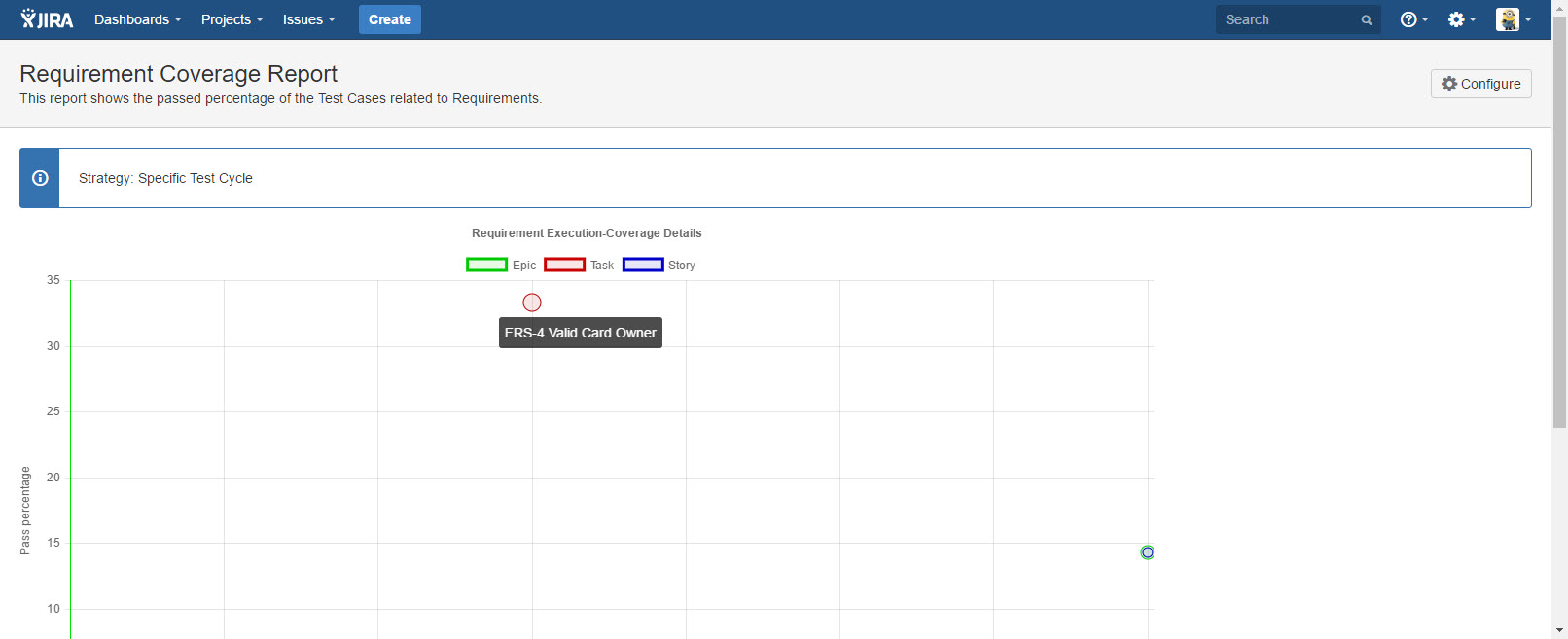
[Screenshot - UG0067_Requirement Coverage Report_Result]