.png)
-
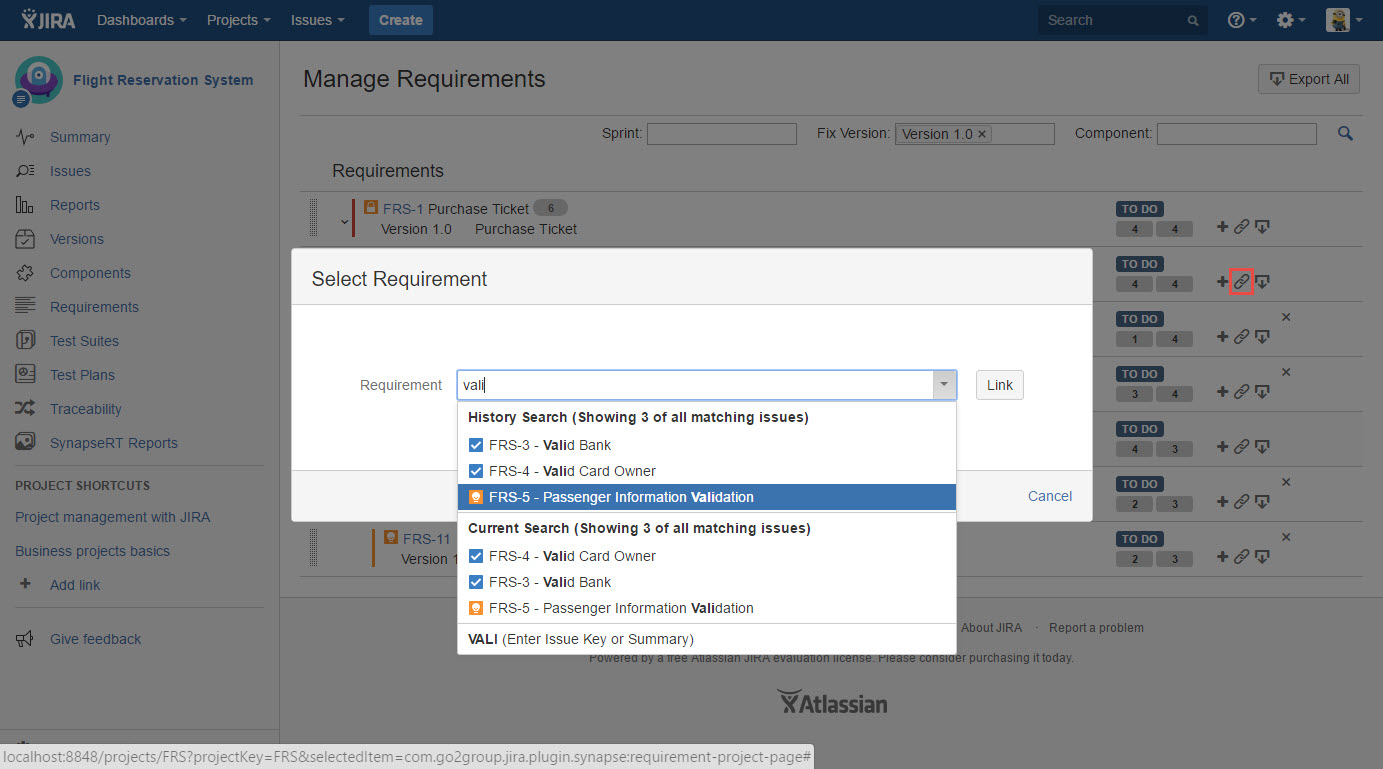
Click the "Link child" icon from any requirement in the list.
-
Select requirement/s from the "Select Requirement" dialog box.
Note: If you have a large amount of requirements that need to be linked to a requirement, we suggest you use the "Advanced Search" function to select them in multiple. -
The linked requirement will be presented as a child requirement.
[Screenshot - UG83_Requirements_Panel_0002]