.png)
-
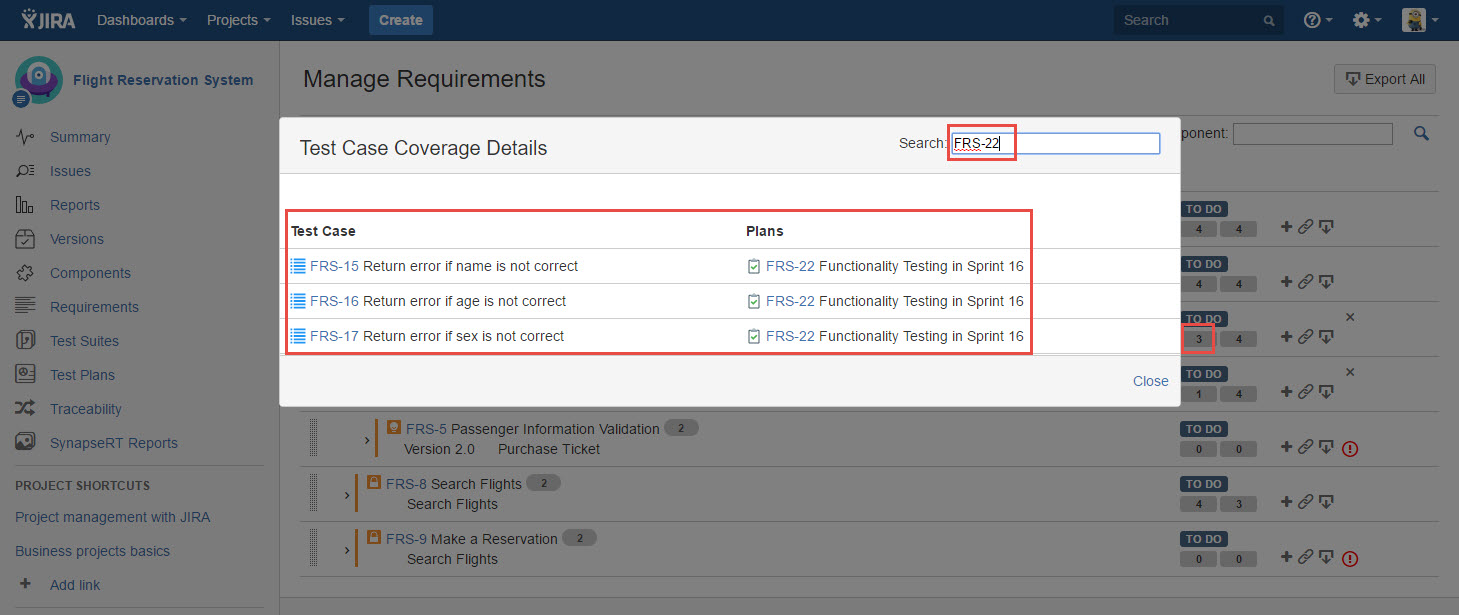
Click 'Test Case Count' label (a small rectangle with number inside).
-
'Test Case Coverage Details' dialog will pop up.
-
It shows below information against the requirement:
- All test cases those to cover the requirement.
- Test plans from which the test case is executed.
Note: you can search with a test plan issue key to check if test cases are executed or not from that particular test plan.
[Screenshot - UG83_Requirements_Panel_0007]